Sham
July 26, 2026
9 min read
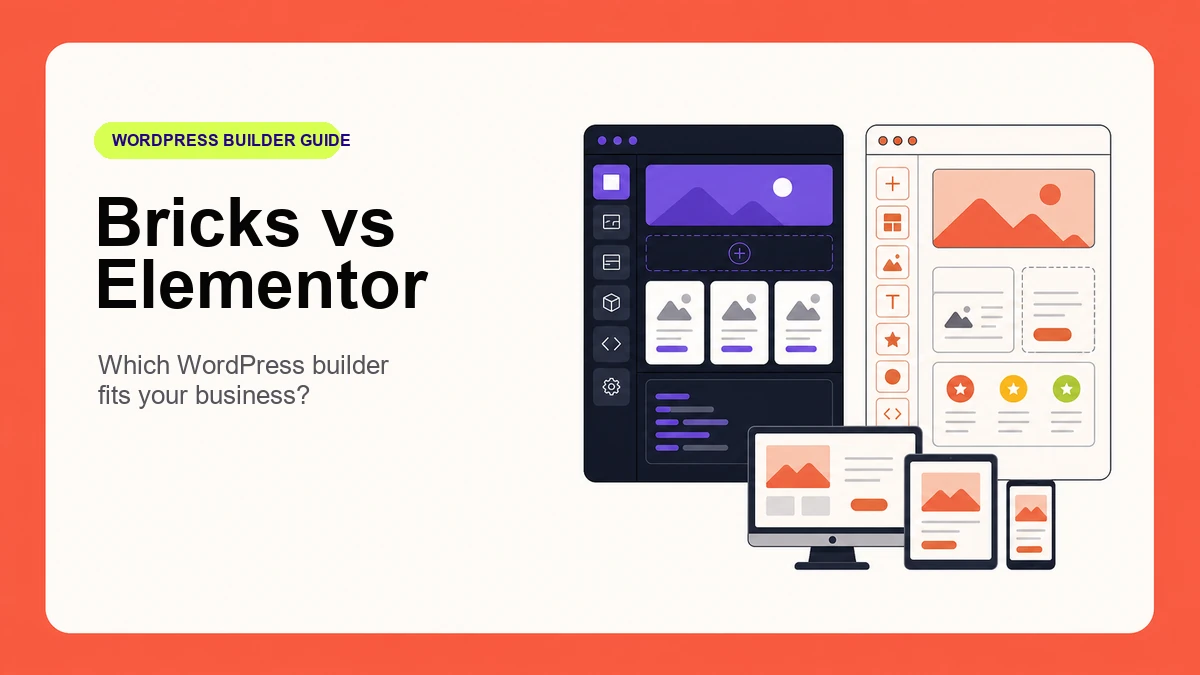
Choosing between Bricks Builder and Elementor is not simply a question of which WordPress builder has more controls. The better choice depends on who will maintain the website, how much custom functionality it needs, how disciplined the design system should be, and what the business expects the site to do over the next several years.
Both builders can produce professional, responsive business websites. They take different approaches, however. Bricks tends to appeal to designers and developers who want close control over structure, reusable classes, dynamic data, and custom behaviour. Elementor offers a familiar visual workflow, a broad ecosystem, and an editing experience that many non-technical teams already recognize.
This practical Bricks Builder vs Elementor comparison explains the differences that matter to business owners. It avoids declaring a universal winner and instead focuses on maintainability, performance, content editing, responsive design, and project fit.
Bricks is often the stronger fit when a project needs a carefully structured design system, custom queries, reusable components, or developer-led implementation. Elementor is often the easier fit when the editing team values familiarity, a large add-on ecosystem, and a visual workflow that can be handed to a wider range of WordPress users.
The builder alone does not determine quality. A well-planned Elementor site can outperform a poorly assembled Bricks site, and the reverse is equally true. Content strategy, hosting, image optimization, accessibility, development discipline, and ongoing maintenance still matter.
Before comparing editor panels, define the website’s real requirements. A five-page professional-services site has different needs from a WooCommerce store, a membership platform, or a directory with filters and custom post types.
If those questions are not answered first, a builder decision can become a preference contest. Nexxen Studio’s website design and WordPress services begin with the business goal and content structure before the implementation tool is selected.
Elementor’s interface is familiar to a large WordPress audience. Pages are assembled visually with widgets, containers, and responsive controls. For a team that has already used Elementor, retaining that workflow may reduce training and make routine edits more comfortable.
Bricks also provides a visual canvas, but its workflow rewards an understanding of HTML structure, CSS classes, flexbox, grid, and reusable systems. That extra structure can be valuable on a larger site, but an undisciplined handover can still allow editors to override styles element by element.
The practical question is not “Which editor looks easier during a demo?” It is “Which system can this team use safely after six months?” A good handover should include named reusable components, clear editing boundaries, image guidance, and a short training session regardless of builder.
Business websites become expensive to maintain when every button, card, and section has slightly different spacing or typography. Reusable rules are more important than the number of decorative controls in the editor.
Bricks supports global CSS classes and reusable components. Its official documentation describes components as reusable element groups with properties, slots, nesting, and variants. This suits projects where repeated cards, headers, forms, and content sections should be controlled centrally. See the Bricks components documentation for the current component model.
Elementor provides Site Settings for global colors, typography, layout values, theme styles, and other site-wide defaults. Its Site Settings documentation shows how those global decisions can be managed from one place. The quality of either system depends on whether the implementation actually uses global rules instead of accumulating one-off overrides.
Dynamic content is important when the site contains services, team members, locations, case studies, products, properties, or other repeatable information. Instead of designing every entry manually, one template can display fields from WordPress.
Bricks includes a visual Query Loop that can render posts, terms, users, API responses, and arrays. The official Query Loop guide also documents pagination, load-more behaviour, infinite scrolling, and filter connections. Element conditions and interactions can further control when content appears and how it behaves.
Elementor’s Theme Builder can create headers, footers, single-post templates, archives, and WooCommerce templates. Elementor also supports dynamic values for text, images, custom fields, and other controls. Its Theme Builder guide explains the template and display-condition workflow.
For a straightforward brochure website, both systems may be more than capable. For a directory, resource library, or advanced custom-post-type project, the exact query, filtering, and editor requirements should be prototyped before choosing.
Bricks is frequently chosen for projects where developers want leaner structure and greater control over generated markup. That advantage can disappear if the site loads oversized images, too many fonts, heavy third-party scripts, or unnecessary animations.
Elementor has introduced performance features for optimized DOM output, image loading, element caching, inline font icons, and background-image lazy loading. These options are documented in Elementor’s performance features guide. They still need to be configured, tested, and reviewed after updates.
Ask for measurable requirements: realistic mobile testing, compressed modern image formats, limited font weights, controlled third-party scripts, caching, and monitoring. The builder is only one part of the performance budget. Ongoing WordPress maintenance after launch helps keep plugins, content, backups, and performance checks under control.
Both builders provide device-specific controls, but responsive quality requires more than shrinking desktop typography. Navigation, tables, forms, tap targets, content order, image crops, and long headings must be tested on real viewport sizes.
Elementor’s current container workflow supports breakpoint-specific direction, dimensions, and ordering. Bricks provides responsive controls throughout its styling system. In either builder, hiding large amounts of content on mobile is usually a warning sign that the content structure should be reconsidered.
Accessibility is also a process rather than a builder checkbox. The finished site needs semantic headings, keyboard navigation, visible focus, useful alternative text, sufficient contrast, labelled forms, understandable errors, and testing with zoom and assistive technology.
Elementor’s large ecosystem can make it easier to find tutorials, templates, add-ons, and developers. The trade-off is that stacking several add-on packs can increase complexity and create overlapping features. Every dependency becomes something that must be updated, tested, and supported.
Bricks projects often rely more heavily on the original developer’s class structure, components, and custom code. That can produce an orderly system, but only if it is documented. A business should receive administrator access, license clarity, reusable-component documentation, backups, and a maintenance plan with either builder.
If the project is part of a broader rebuild, use this small-business website redesign checklist to protect content, URLs, accessibility, and launch quality before selecting the implementation tool.
No. Bricks can provide a lean foundation, but real performance depends on the complete build: hosting, images, fonts, scripts, plugins, caching, content, and implementation choices. Compare representative pages under the same conditions instead of relying on a builder name.
It can be, particularly when the client already knows Elementor. A structured Bricks site can also be easy to edit when content fields, reusable components, clear labels, and editor permissions are configured properly. Handover quality matters more than the first impression of the editor.
Not automatically. Rebuilding creates cost and migration risk. Keep Elementor when the site is stable, maintainable, and meeting its goals. Consider a rebuild when structural limitations, excessive dependencies, poor maintainability, or a wider redesign justify the investment.
Yes. Both can be used to design WooCommerce experiences. The decision should account for product complexity, filtering, checkout requirements, subscriptions, integrations, performance, and how store staff will manage content.
The right WordPress builder is the one that supports the website’s content, conversion goals, editing team, technical requirements, and maintenance plan with the least unnecessary complexity.
Nexxen Studio works with both Bricks Builder and Elementor and can recommend an approach after reviewing the existing website, content model, integrations, and handover needs. Review the website project pricing guidance, then request a website consultation to discuss the most maintainable route for your business.

Compare WooCommerce vs Shopify across ownership, costs, customization, maintenance, payments, and operations to choose the right ecommerce platform.

Use this Figma to WordPress handoff checklist to prepare responsive designs, content, assets, accessibility notes, CMS fields, and acceptance criteria.

Understand a realistic website project timeline—from discovery and content to design, development, testing, launch, and the delays your team can prevent.